Marketplace offers: sell access to your learning paths
Describe a learning path, set its price, and let learners pay online to access it in eDoer.
Your organization may have a training programme that people would pay to join. Marketplace offers let you turn a learning path into a paid offer inside eDoer.
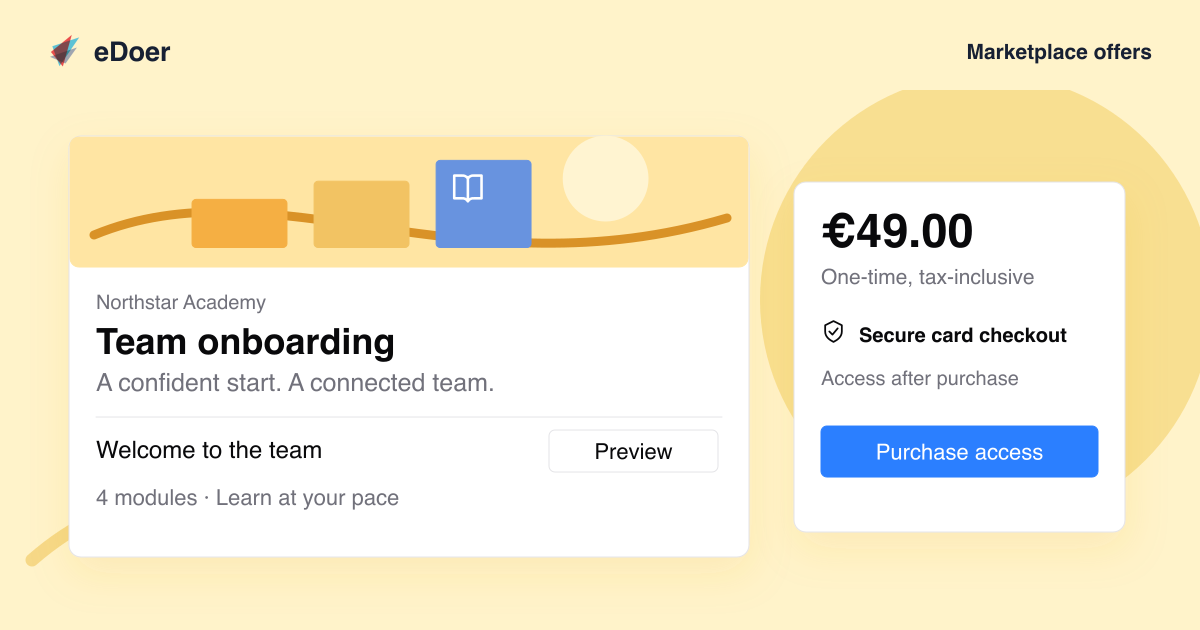
Learners can read what is included, see any available previews and pay through Stripe. After payment is confirmed, they can open the learning path.
Create an offer for your learning path
In Marketplace offer, add a title, a short description and a price in euros. Explain who the path is for, what it covers and what learners will gain from it.
The offer page brings the description, modules and price together. Available module previews let learners explore some content before buying; protected modules stay locked.
Set up payments
An organization administrator completes the payment setup through Stripe. The marketplace must be enabled, and the learning path must meet the requirements shown in its offer settings before it can be sold.
The current setup supports seller accounts in Germany, prices in euros and one-time card payments. Buyers need an active, signed-in account in the same organization.
Buy access to the path
The learner opens the offer and chooses Purchase access. Stripe Checkout handles the card payment and sends the learner back to eDoer when checkout is complete.
Start learning once payment is confirmed
eDoer checks the payment before unlocking the path. When access is ready, learners can choose Start learning to begin.
The takeaway
Set a price for your learning path and give learners access after payment.