01
Organization setup
Set up your learning space
Add your brand, URL, categories, roles, users, and access rules before you publish.
Make the space feel like your own.
Choose who can create, manage, publish, and learn.
We use optional analytics and monitoring only with your consent. You can accept all, reject all, or review the details.
Essential cookies stay active because they are required for core website functionality and storing your privacy choices.

Build a branded learning space for onboarding, training, and knowledge sharing.
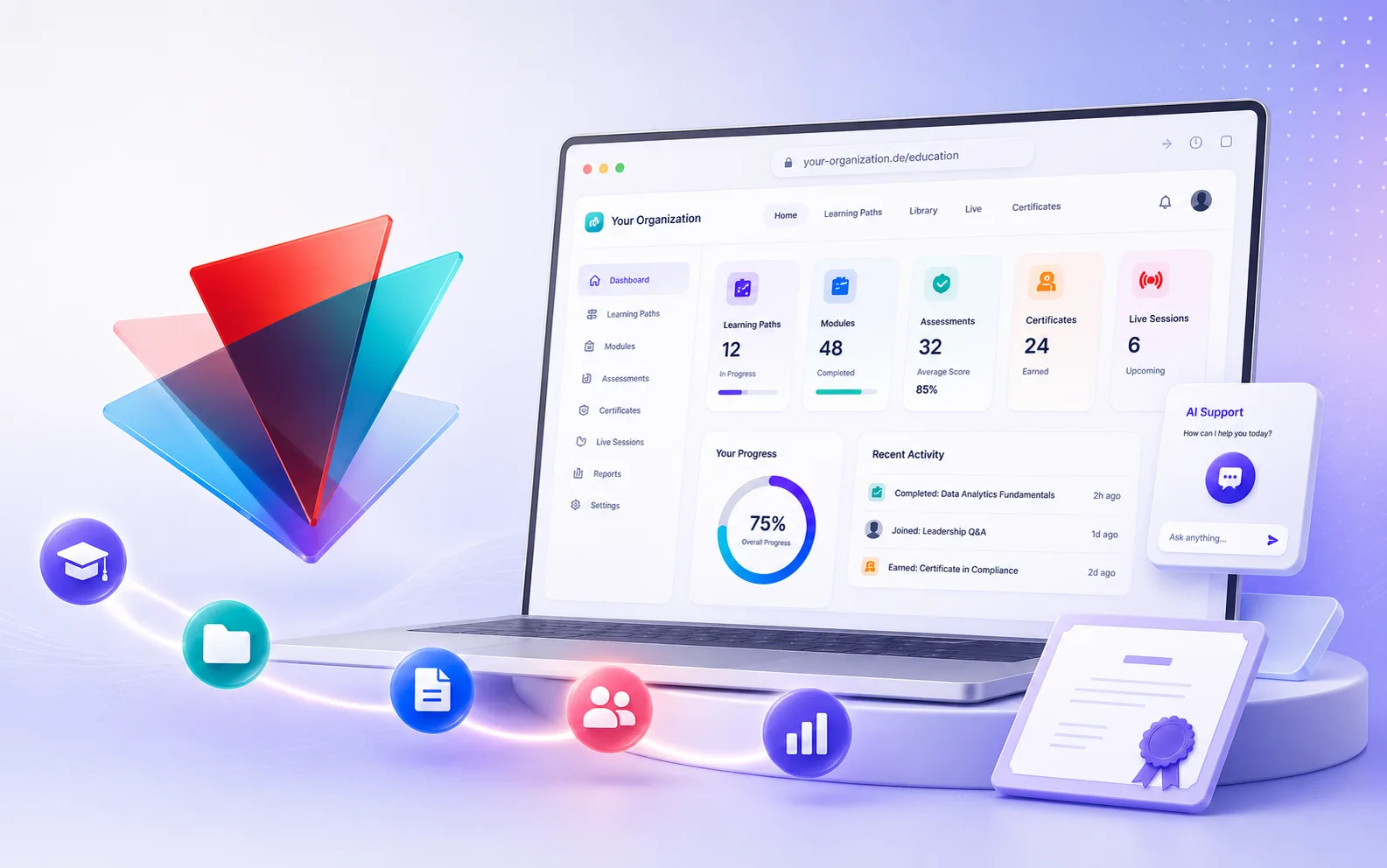
Set theme, logo, URL, roles, categories, and access.
Collect files, policies, links, and expert notes.
Turn knowledge into onboarding, training, and procedures.
Add assessments, meetings, and completion proof.
Let learners study, complete paths, and earn certificates.
Product views
A quick look at setup, knowledge, learning paths, AI, assessments, live sessions, and learner progress.
Organization setup
Add your brand, URL, categories, roles, users, and access rules before you publish.
Knowledge base
Add approved files, links, videos, and notes in one place.
Path and module authoring
Build paths with files, videos, links, text, and reusable materials.
AI generation
Ask AI to draft modules, improve text, and answer questions using your approved sources.
Assessments
Create questions, reviews, submissions, and certificate rules from approved content.
Live sessions
Plan live sessions for the right audience, with the right role and format.
Learner progress and knowledge chat
Learners follow a simple flow, see progress, complete tasks, and ask questions in their own language.
Create an organization request and we will prepare the right eDoer setup for your team.
Read the eDoer FAQ for answers about learning paths, AI support, privacy, onboarding, and team setup.