Learner Knowledge Base: add shared documents to eDoer AI
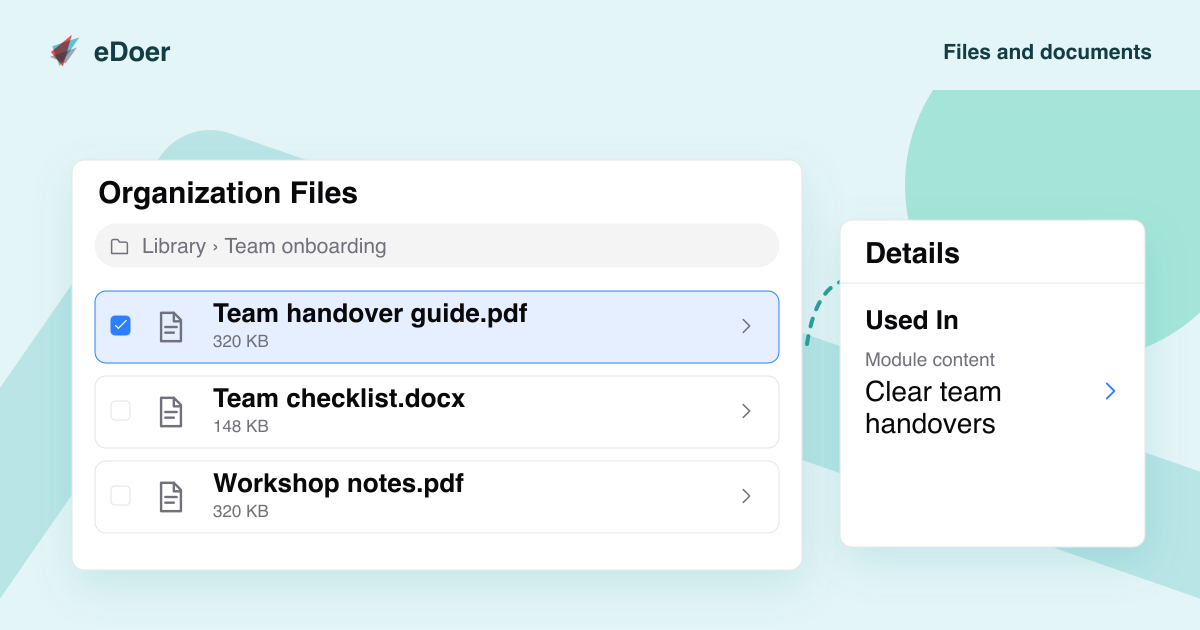
Add shared documents so eDoer AI can use them when answering learners’ questions.
Learners often have questions about a guide, a course topic or the way your organization works. The Learner Knowledge Base gives eDoer AI a set of shared documents it can use to help answer those questions.
Administrators choose the documents. Learners ask their questions in the AI Dock, alongside the learning they are working through.
Ask a question in eDoer AI
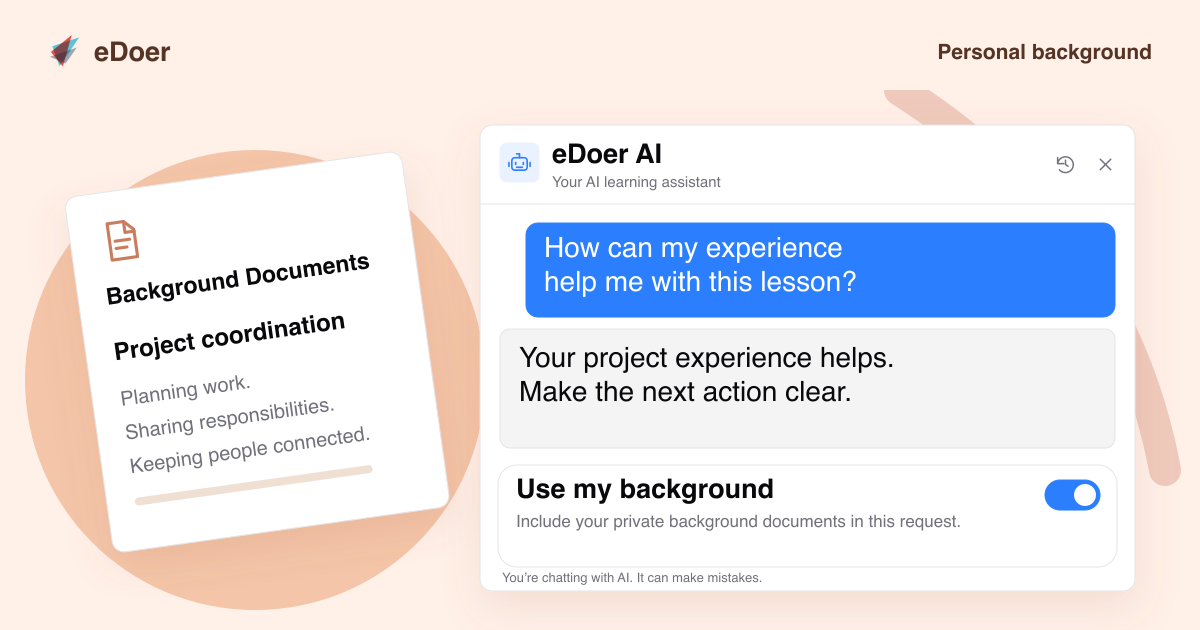
Learners with AI access can open eDoer AI from their dashboard or while working through a learning path. They can ask for an explanation or a practical example.
For example, someone learning about team handovers could ask, “What should I include in a handover?” eDoer AI can use the selected documents and the published learning content available to that learner.
Check where the answer comes from
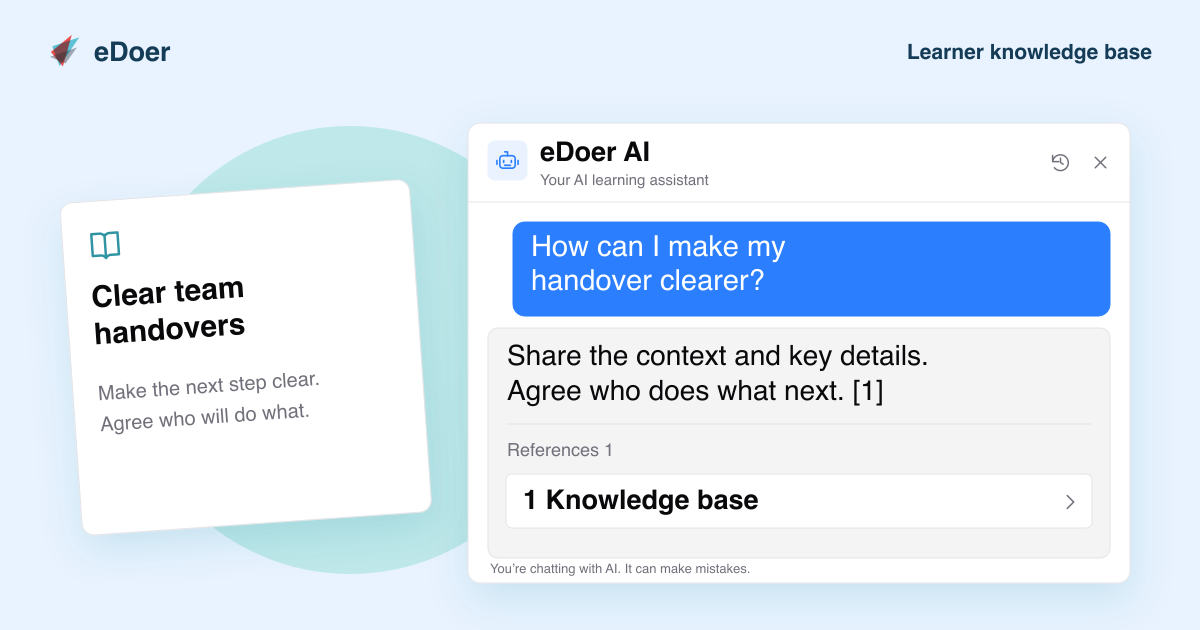
When an answer includes citations, open References to read the supporting text. Shared documents appear under Knowledge base, while module references identify the lesson content.
Use the references to check the explanation and ask a follow-up question if something needs more detail.
The takeaway
Choose shared documents that eDoer AI can use to answer learners’ questions.