Discussions: ask questions and share answers in eDoer
Keep questions, replies and useful conversations together in a learning path.
Learners may need to ask a question, compare ideas or hear how someone else approached a task. Discussions give learners and curators a place to have those conversations in eDoer.
Each learning-path discussion contains topics and messages. People can follow an exchange while keeping the learning material close at hand.
Choose a conversation
Open Discussions in a learning path and select a conversation from the topic list. The messages appear beside it, so you can read the exchange and add your own response.
Reply while working through a lesson
Learners can open the discussion drawer while working through their learning path. This makes it easy to check the lesson and return to the conversation.
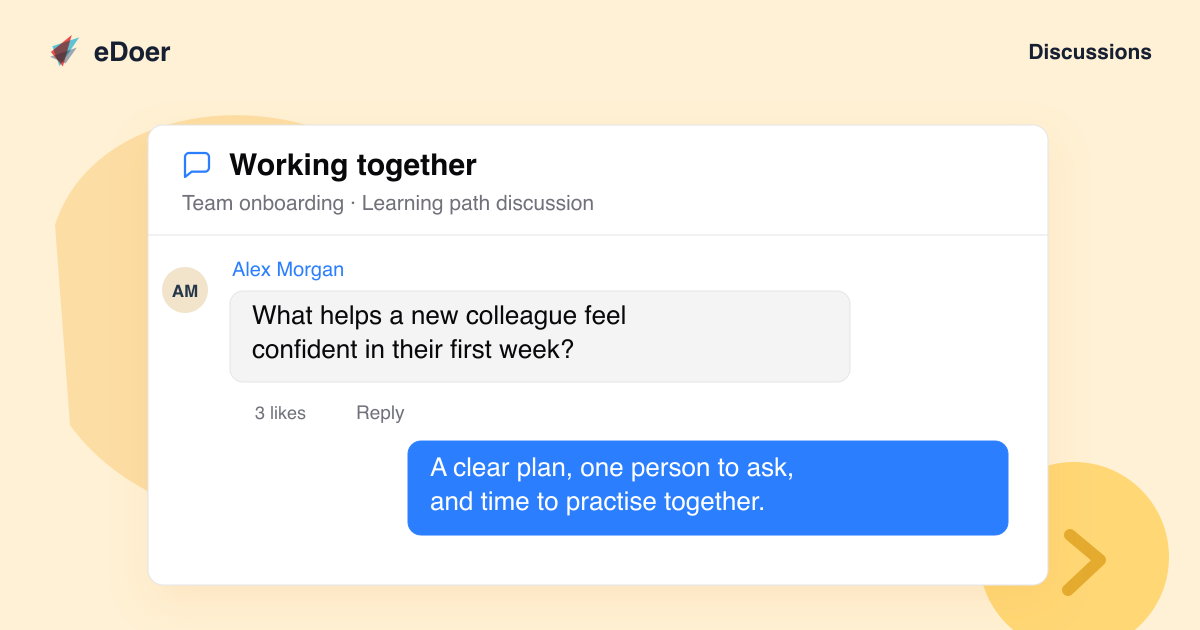
Use Reply to respond to a specific message, or add a reaction to acknowledge a helpful answer.
Give each topic a clear purpose
Curators can manage the learning path’s topics. A focused title and a short opening question help learners understand what to discuss.
For example, a Working together topic could ask what helps a new colleague feel confident in their first week.
The takeaway
Ask questions, reply to others, and keep the conversation with the learning path.