From a learning idea to a reviewed video, inside eDoer
Prepare a short narrated learning video, review its scene plan, refine the script, and approve generation from the module editor.
Some explanations benefit from movement and narration: a sequence of steps, a worked example, or an idea that becomes clearer when it unfolds over time. For learning teams, the challenge is connecting that video to a clear teaching purpose and a script they have actually reviewed.
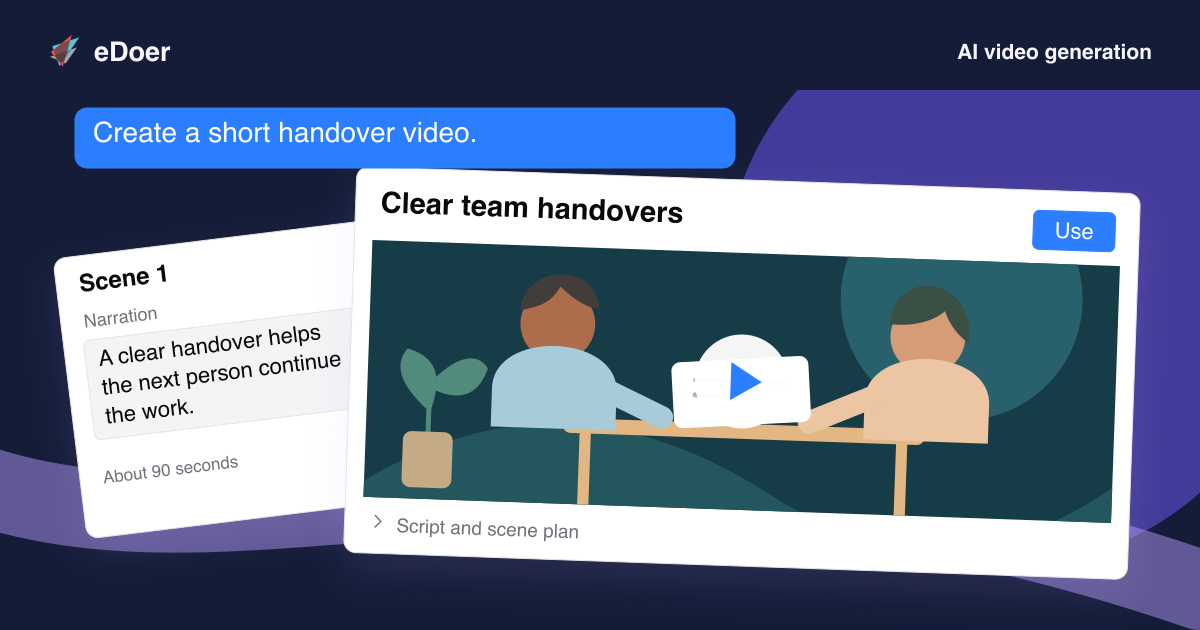
Video generation in eDoer starts from the module you are creating. Curators can ask for a short narrated video, inspect a scene-by-scene plan, refine the wording, and approve production. The review happens before the final video is generated.
Shape the explanation around the learner
The Generate video action in the module editor provides a starting point for the request. Choose a duration from 30 seconds to three minutes and give the AI guidance about the language, audience, and learning approach. Add instructions that explain what the video should achieve.
A short introduction for beginners needs a different explanation from a worked example for an experienced audience. Setting that direction helps connect the proposed video to the module’s learning outcome before you consider its visual treatment.
Review the story before approving production
eDoer presents a plan with scene titles, narration, and summaries of the intended visuals. Read the spoken explanation in sequence and check whether it teaches the point you want to make. The plan is a concrete opportunity to spot missing context or an example that needs adjustment.
Curators can edit narration and request refinements, then update the plan. Generation follows an explicit approval of that plan. This gives the author a meaningful place to shape the explanation before it becomes a finished learning asset.
Bring the video into a structured learning journey
The resulting video can become the module’s main content. Keep its role focused: introduce a concept, explain a process, or set up a scenario that learners will examine in the following activity. Short videos work best when their place in the larger path is clear.
AI access, available storage, and usage allowances apply to the workflow. Review the finished video as you would any authored material, then connect it to the surrounding explanation, discussion, or assessment so learners have a useful next step.
The takeaway
A learning video deserves a reviewed script and a clear purpose. eDoer connects planning, author approval, and video placement in one authoring workflow.