Turn your team’s best prompts into custom AI actions
Give curators reusable AI shortcuts with clear inputs, useful instructions, and a place in the authoring workflow where they are needed.
A useful AI request often contains knowledge about how your team works: the audience you write for, the structure you prefer, and the questions an author should consider. Recreating those instructions for every task makes good practice harder to repeat.
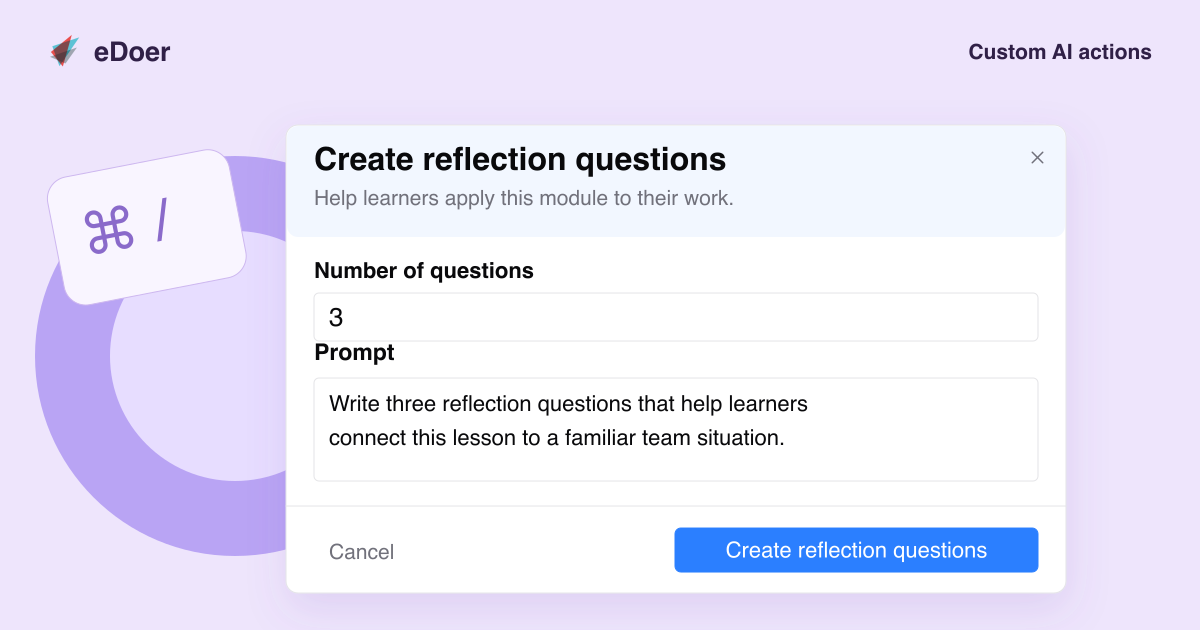
Custom AI actions let organizations bring that practice into eDoer. Configure a reusable prompt, give it a recognizable name, define the inputs it needs, and choose where it appears in the curator’s authoring workflow. The result is a clearer starting point for recurring work.
Capture a task your team performs regularly
Start with something concrete: developing a discussion prompt, drafting an introduction for a particular audience, or suggesting an example that supports a learning outcome. A custom action stores the instructions your organization wants to use for that task.
Give the action a name and description that explain its purpose. The person using it should be able to understand what they will receive and what information they need to provide. Clear instructions help the shortcut become part of everyday authoring practice.
Ask for the information the task actually needs
An action can collect structured inputs before submitting its prompt. Text fields, longer written responses, numbers, single or multiple selections, and a selector for modules in the current path provide several ways to frame the request.
For example, a reflection-question action could ask for an audience and a theme. A scenario action could collect a workplace situation and a desired learning outcome. The organization defines the prompt template, while the curator supplies the details that make the request relevant.
Put the action where authors will use it
Organizations can choose authoring placements such as the learning-path workspace, module editor, or assessment editor. They can also connect a custom action to supported field shortcuts. Placement gives a reusable prompt a clear role in the content creation process.
Custom actions remain AI prompt shortcuts, with results for the author to consider. They follow the organization’s AI availability and allowance settings. Begin with one recurring task, use the shortcut with real content, and refine its instructions as your team learns what makes the result useful.
The takeaway
Make a good prompt easier to reuse: define its purpose, collect useful inputs, and place it within the authoring task it supports.