
Cookie settings

We use optional analytics and monitoring only with your consent. You can accept all, reject all, or review the details.

Essential cookies stay active because they are required for core website functionality and storing your privacy choices.

eDoer logo

Tools for clear patient education

Bring E-Learning, Document Management, and Quality Management together for patient education.

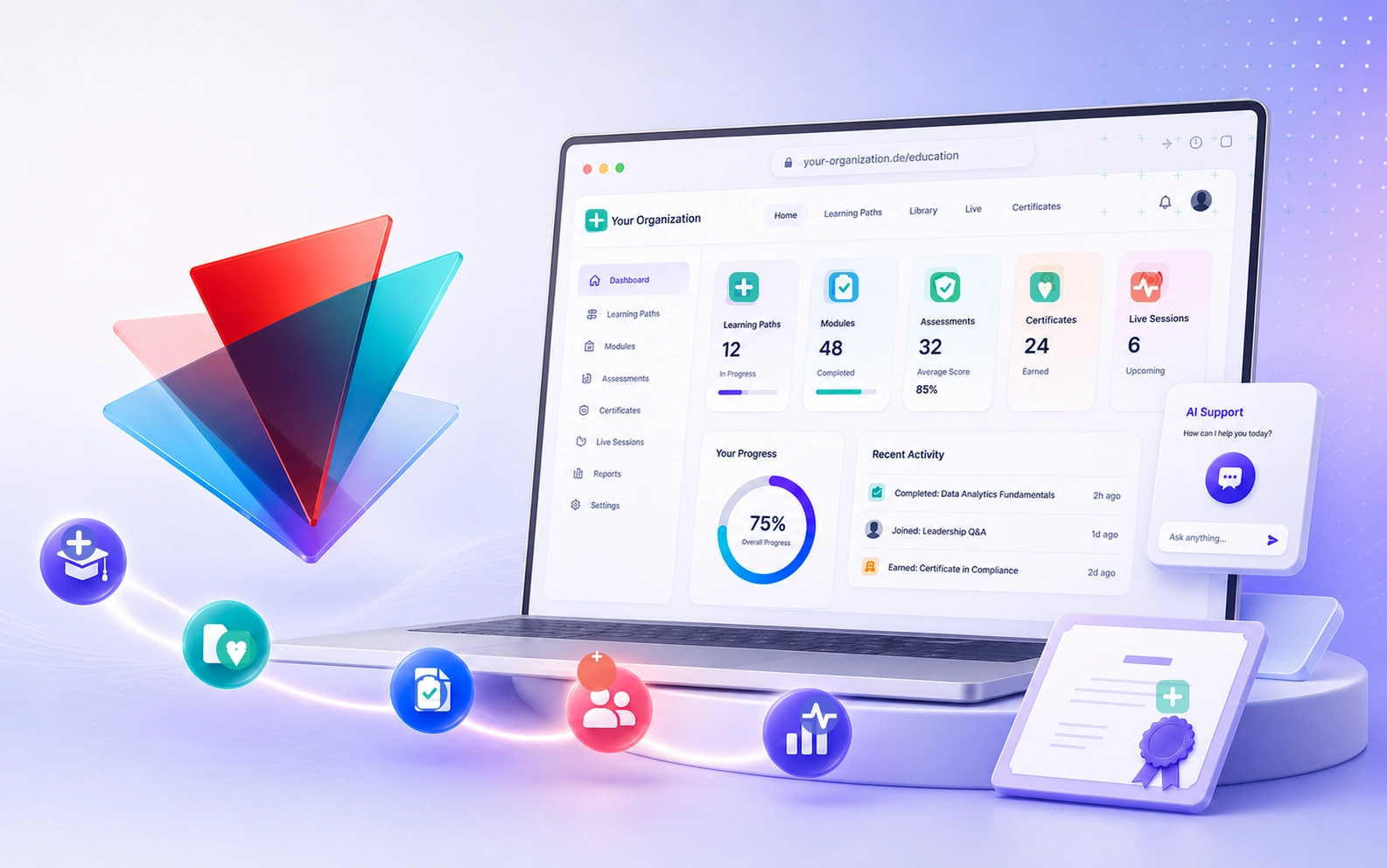
Branded learning platform with organization knowledge flowing into learning paths

How eDoer works

Set up your space, organize trusted documents, create learning, and review understanding to identify improvements.

01

Set up your space

Set up your practice, clinic, care team, or service with the right branding and access.

02

Manage your documents

Collect, organize, and update reviewed patient guides, aftercare instructions, links, and expert notes.

03

Create E-Learning

Turn healthcare knowledge into patient education for preparation, aftercare, routines, and family guidance.

04

Review and improve

Use learning checks and progress insights to identify gaps, guide follow-up, and improve learning materials.

Product views

Learning, documents, and quality in daily practice

Explore E-Learning, Document Management, and Quality Management: organize guidance, create learning paths, and use reviews and progress insights to identify improvements.

01

Setup

Set up your shared workspace

Configure a patient education platform for your practice, clinic, care team, or service.

Use your own name, colors, logo, and patient education URL.
Organize learning paths, health topics, resources, videos, and FAQs.
02

Document Management

Manage the guidance behind patient education

Keep approved patient education content in one trusted knowledge base, from guides and videos to links and notes.

Collect reviewed guidance for common conditions, recovery, medication, and daily care.
Search, filter, and update the source material before it becomes learning content.
03

E-Learning

Turn guidance into learning paths with AI support

Organize approved patient education content into guided paths with modules, notes, checks, AI-assisted structure, and learner activities.

Give patients and families a clear sequence instead of loose handouts.
Use AI to draft modules, improve explanations, and create questions from approved healthcare materials.
04

Quality Management

Use understanding checks to guide improvement

Bring assessments, reviews, and learning records into your quality management. See where further explanation is needed and use the findings to improve guidance and training.

Review understanding with questions, submissions, and learning results.
Use progress insights to plan follow-up and revisit materials that need clarification.
05

Live sessions

Add live sessions

Plan live sessions for the right audience, with the right role and format.

Combine self-paced work with live discussion.
Choose active or watch-only formats.
06

Learner progress and knowledge chat

Let learners study and ask questions

This is especially important when knowledge is sensitive. Staff, patients, and families need to understand it well, even when they do not know the language of the knowledge yet.

Help people revisit sensitive knowledge until they truly understand it.
Let them ask in their own language and get answers based on validated organization knowledge.
Start directly

Connect learning, care knowledge, and quality

Start with E-Learning, Document Management, and Quality Management in eDoer Pro. Request an organization and we will prepare the right setup for your team.

Have questions?

Read the eDoer FAQ for answers about learning paths, AI support, privacy, onboarding, and team setup.

Open related FAQ