01
Organization setup
Set up your shared workspace
Add your brand, URL, categories, roles, users, and access rules before you publish.
Make the space feel like your own.
Choose who can create, manage, publish, and learn.
We use optional analytics and monitoring only with your consent. You can accept all, reject all, or review the details.
Essential cookies stay active because they are required for core website functionality and storing your privacy choices.

Bring E-Learning, Document Management, and Quality Management together for your care team.
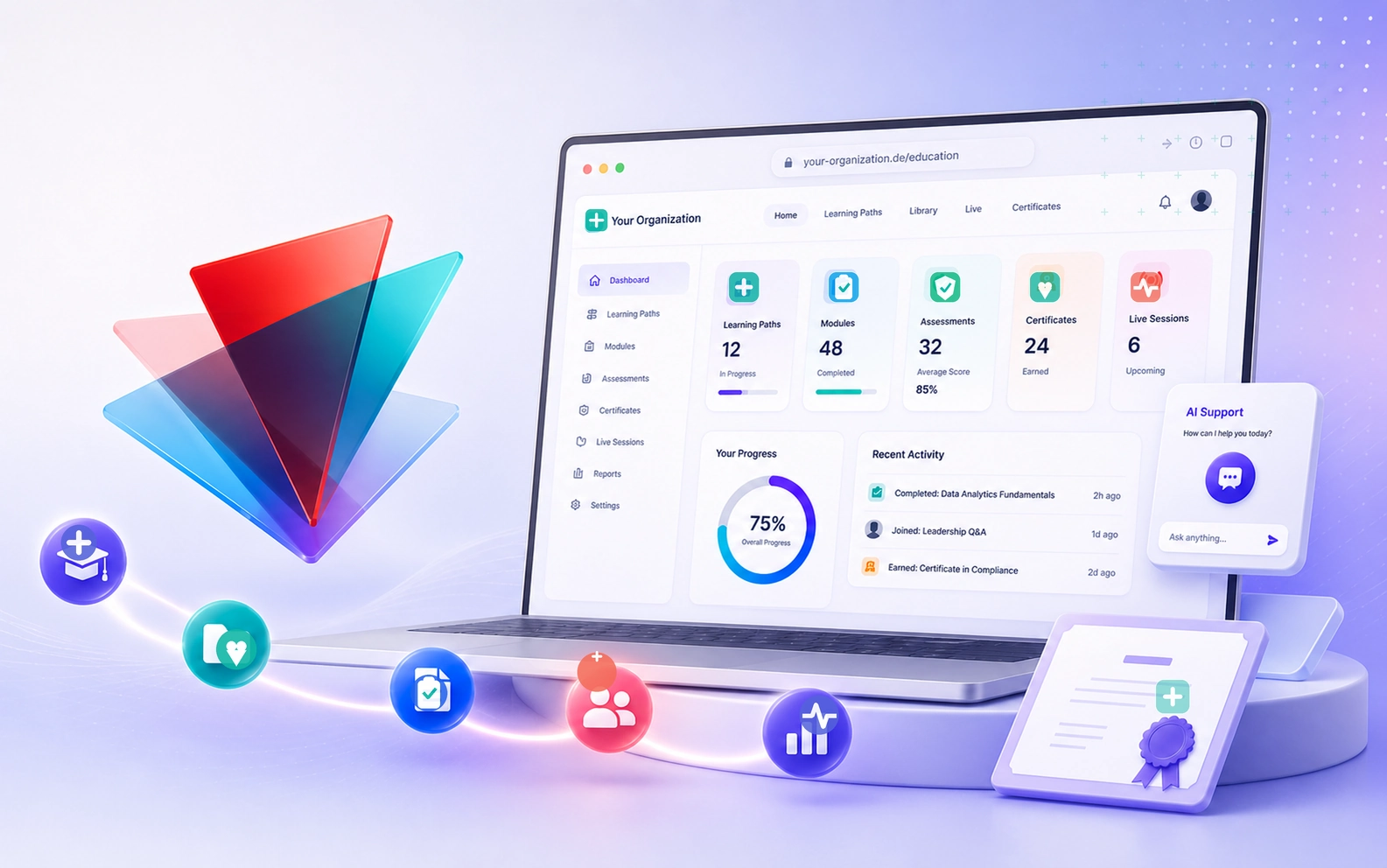
Set up your space, organize trusted documents, create learning, and review understanding to identify improvements.
Set theme, logo, URL, roles, categories, and access.
Collect, organize, and update care standards, protocols, instructions, and expert notes.
Turn knowledge into onboarding, training, and procedures.
Add assessments, meetings, and completion proof.
Use learning checks and progress insights to identify gaps, guide follow-up, and improve learning materials.
Product views
Explore E-Learning, Document Management, and Quality Management: organize guidance, create learning paths, and use reviews and progress insights to identify improvements.
Organization setup
Add your brand, URL, categories, roles, users, and access rules before you publish.
Document Management
Bring care standards, protocols, instructions, and supporting materials into one knowledge base that your team can search, maintain, and reuse.
E-Learning
Build onboarding and role-specific learning paths from care documents, videos, links, and clear written steps.
AI generation
Ask AI to draft modules, improve text, and answer questions using your approved sources.
Quality Management
Bring assessments, reviews, and learning records into your quality management. See where further explanation is needed and use the findings to improve guidance and training.
Live sessions
Plan live sessions for the right audience, with the right role and format.
Learner progress and knowledge chat
This is especially important when knowledge is sensitive. Staff, patients, and families need to understand it well, even when they do not know the language of the knowledge yet.
Each staff member starts a pathway around their role and learning goals. AI proposes existing modules they can access, and the staff member reviews, saves, and adjusts their own private plan.
Learners start their own pathway by sharing what they want to learn, along with their experience, interests, or available time.
AI suggests an ordered sequence of existing modules the learner can access. The learner reviews the proposal before choosing to save it.
The saved pathway belongs to the learner and stays private. Add or remove modules, change their order, or ask AI to refine the plan.
Start with E-Learning, Document Management, and Quality Management in eDoer Pro. Request an organization and we will prepare the right setup for your team.
Read the eDoer FAQ for answers about learning paths, AI support, privacy, onboarding, and team setup.