
Cookie settings

We use optional analytics and monitoring only with your consent. You can accept all, reject all, or review the details.

Essential cookies stay active because they are required for core website functionality and storing your privacy choices.

eDoer logo
Creator learning

Turn your YouTube channel into a learning platform

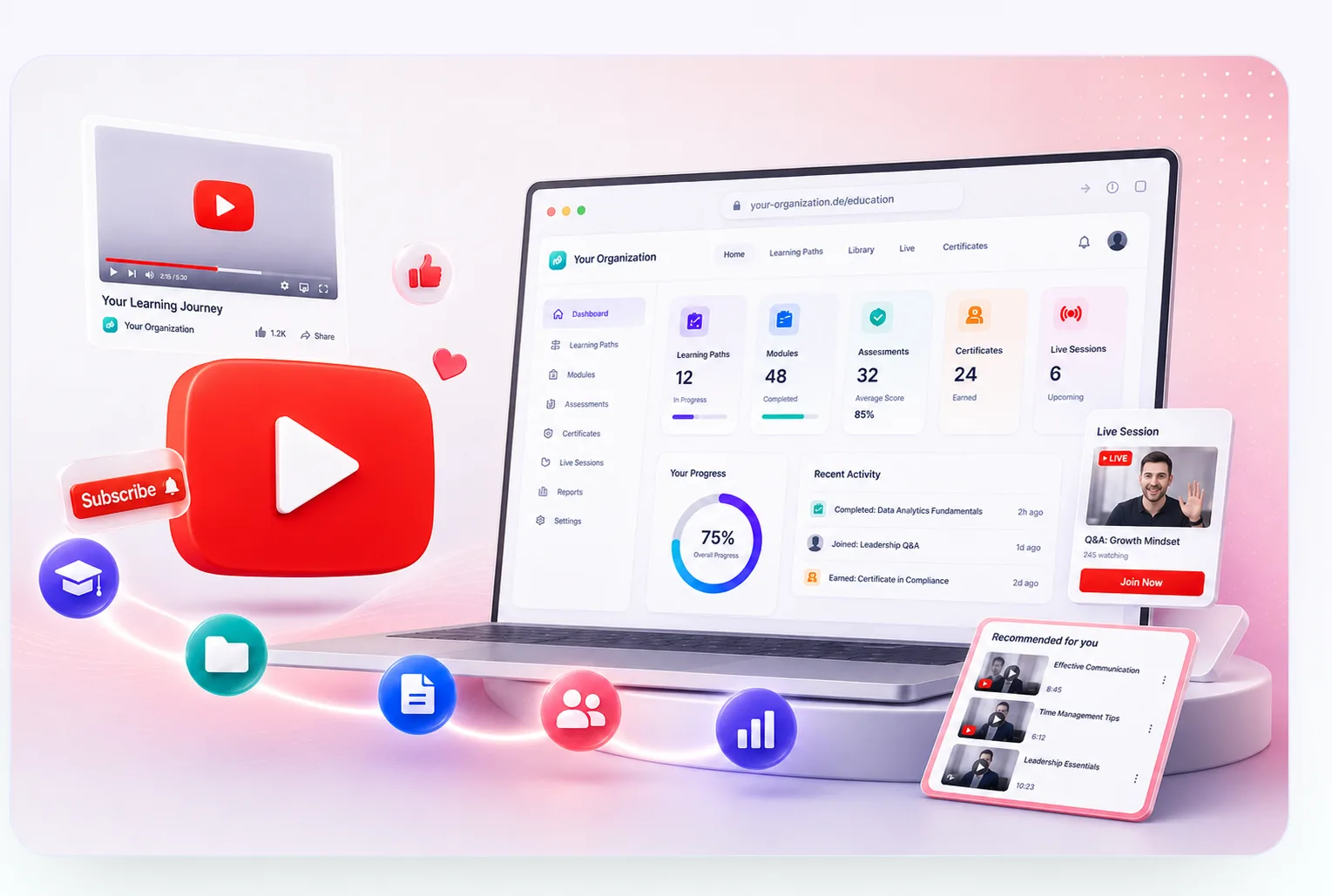
Reuse your existing videos and playlists, keep your YouTube presence, and add the structure learners need: paths, tests, certificates, live sessions, and progress.

YouTube channel content turned into a branded learning platform with paths, assessments, certificates, and live sessions

How eDoer works for YouTubers

Start from the channel you already have, then add the learning platform around it.

01

Set up your platform

Add your logo, colors, URL, roles, categories, learner limits, and access rules.

02

Integrate your channel

Connect the learning space with your YouTube channel, videos, playlists, and creator materials.

03

Create learning paths

Turn playlists and videos into interactive paths with modules, notes, resources, and AI-assisted structure.

04

Add tests and live sessions

Add assessments, certificate rules, meetings, and cohort activities around the same video content.

05

Track progress

See who enrolled, studied, completed tasks, passed tests, and earned certificates.

Product views

What YouTubers can offer with eDoer

A quick look at the product layer eDoer adds around your channel: setup, YouTube content reuse, interactive paths, AI, tests, live learning, and progress.

01

Platform setup

Launch your branded learning space

Create the platform around your channel with branding, URL, categories, roles, invitations, and access rules.

Make the learning space feel like your branded learning platform.
Choose who can manage content, publish paths, and join as learners.
02

Channel integration

Reuse videos, playlists, and materials

Bring your YouTube videos, playlists, scripts, links, files, and community questions into one reusable content library.

Keep publishing videos on YouTube while using them inside learning paths.
Turn each playlist into a complete learner journey with guidance, practice, support, and proof of completion.
03

Interactive paths

Turn playlists into guided learning with AI support

Organize videos into interactive paths with modules, notes, practice, AI-assisted structure, and learner activities.

Give learners a clear sequence instead of a loose playlist.
Use AI to draft modules, improve explanations, and create questions from approved channel materials.
04

Tests and certificates

Add proof of learning

Create assessments, reviews, submissions, completion rules, and certificates around your video lessons.

Let learners prove what they understood after watching.
Offer certificates without turning YouTube itself into an LMS.
05

Live sessions

Meet learners around the path

Schedule live sessions for cohorts, paid groups, Q&A, workshops, office hours, or watch-and-discuss formats.

Combine self-paced YouTube content with direct creator interaction.
Choose active participation or watch-only formats for each group.
06

Progress and revenue continuity

Track learning while YouTube keeps its role

Learners follow guided paths, ask AI-supported questions in their own context and language, and receive answers based on your videos and content.

Support learners with contextual, multilingual answers grounded in your channel videos, playlists, notes, and materials.
Keep your YouTube channel active for discovery, views, subscribers, and monetization.
Start directly

Start with eDoer Pro

Create an organization request and we will prepare the right eDoer setup for your team.

Have questions?

Read the eDoer FAQ for answers about learning paths, AI support, privacy, onboarding, and team setup.

Open related FAQ