AI image generation: create images for your modules
Describe the image you need, review the result in eDoer AI, and add it to your module.
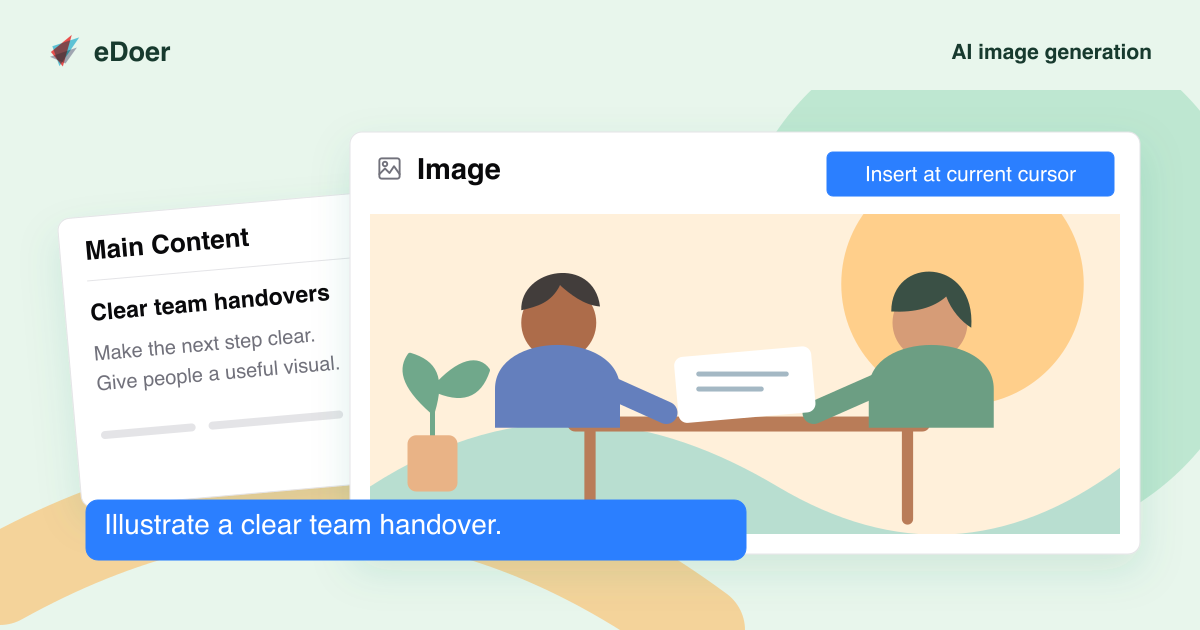
An illustration can help learners picture a situation or understand an idea. In eDoer, curators can generate an image while editing a module.
The image appears in the AI Dock, ready to review before it becomes part of the lesson.
Describe the image you need
In the module’s rich-text editor, choose Generate image to open the AI Dock. The surrounding content gives the request context.
Describe the scene and style you want. For example, ask for a simple illustration of two colleagues preparing a team handover.
Review the result
The generated image appears in the AI Dock. Check that it shows the right idea and fits the lesson before using it.
Add the image to your module
Drag the image into the module text, or place the cursor where you want it and choose Insert at current cursor.
Save the module to keep the change. Generated images stay in the conversation, so you can return to a useful result while editing.
Das Wichtigste
Describe an image, review the result, and add it to your module in eDoer.